
Centeron Encompass1.5.0 - Google Play
You'll be able to see results in few seconds.
Publisher Description
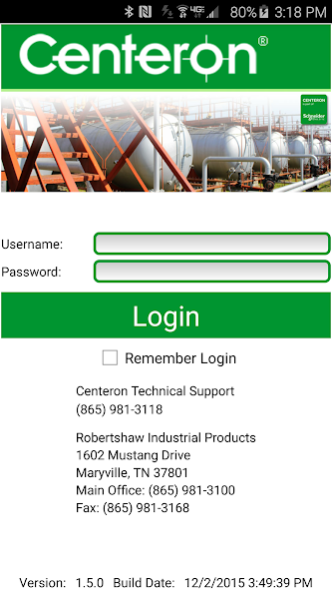
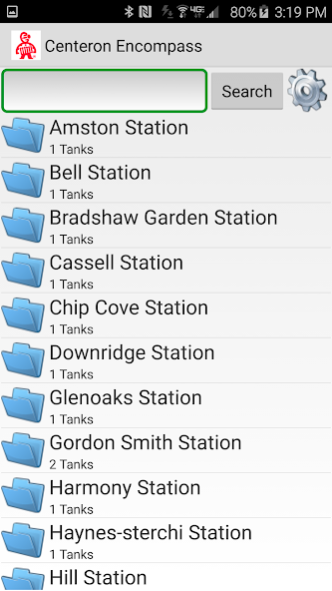
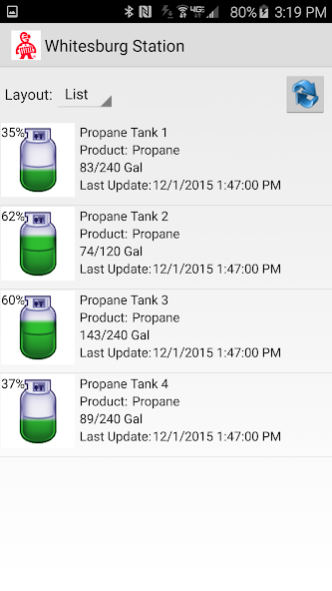
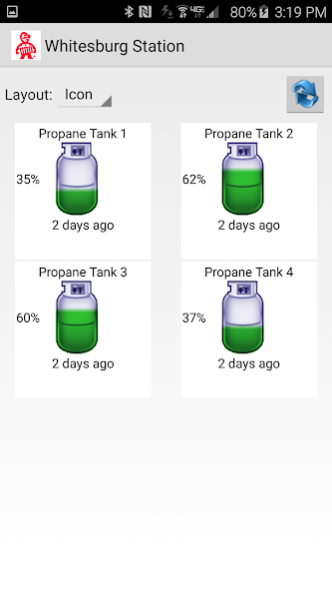
New to the Centeron suite of products is our new mobile app for Android™ devices.
The app taps into detailed data for each of your sites through Centeron WebView in a summary form. You can select a site and drill down through its hierarchy, similar to how you would in Centeron WebView. Each tank has its own summary data, including tank name, current fill level for a product, average daily usage, and days remaining.
There is also a useful real-time mode that can be utilized with our Encompass devices for more frequent reporting, allowing you to get an updated reading while you are on site. This is particularly useful for before and after delivery for a specific tank as well as troubleshooting.
*NOTE* Must have current login access to WebView to use this app.
Go to www.centeron.net to request information on Centeron monitors.
About Centeron Encompass
The company that develops Centeron Encompass is Schneider Electric SE. The latest version released by its developer is 1.5.0.
To install Centeron Encompass on your Android device, just click the green Continue To App button above to start the installation process. The app is listed on our website since 2015-12-03 and was downloaded 0 times. We have already checked if the download link is safe, however for your own protection we recommend that you scan the downloaded app with your antivirus. Your antivirus may detect the Centeron Encompass as malware as malware if the download link to com.Invensys.CenteronEncompass is broken.
How to install Centeron Encompass on your Android device:
- Click on the Continue To App button on our website. This will redirect you to Google Play.
- Once the Centeron Encompass is shown in the Google Play listing of your Android device, you can start its download and installation. Tap on the Install button located below the search bar and to the right of the app icon.
- A pop-up window with the permissions required by Centeron Encompass will be shown. Click on Accept to continue the process.
- Centeron Encompass will be downloaded onto your device, displaying a progress. Once the download completes, the installation will start and you'll get a notification after the installation is finished.
Program Details
System requirements
Download information
Pricing
Version History
version 1.5.0
posted on 2015-12-03
Added app version information to login screen,Added toast notifications for refreshing the tank report and tank info screens,Fixed bug for Polling tanks,New Login Screen,Removed title bar from login screen,Change overall theme to a white theme,Fixed the back button issue going from tank info back to reports,Added a check at login for newer versions of the app,Timestamps now reference the device's time instead of user settings,Real Time Mode updates,Improved overall performance
Disclaimer
Official Google Play Link
We do not host Centeron Encompass on our servers. We did not scan it for viruses, adware, spyware or other type of malware. This app is hosted by Google and passed their terms and conditions to be listed there. We recommend caution when installing it.
The Google Play link for Centeron Encompass is provided to you by apps112.com without any warranties, representations or guarantees of any kind, so access it at your own risk.
If you have questions regarding this particular app contact the publisher directly. For questions about the functionalities of apps112.com contact us.
